

EDIIT :
Apparently, there is an issue with the warning request to disable the ad blocker
I use Fennec F-Droid and Cromite, and I don’t see this issue.
to get around the adblocker warning, use this link.
EDIIT :
Apparently, there is an issue with the warning request to disable the ad blocker
I use Fennec F-Droid and Cromite, and I don’t see this issue.
to get around the adblocker warning, use this link.
I never bother to disable AI in duckduckgo so I just use a search engine that doesn’t have it out of the box
It’s not even about disabling it, DDG keeps turning it back on… I live in a constant battle.
are you sure it’s not resetting because of your privacy settings
Clearing cookies will reset it because there is no way of ddg to know.
Which is crazy as they also made a big deal about how many users don’t want an AI result and how they are credibly the choice for those people.
I get offering the feature, but insisting upon it while also bragging about how they cater to the majority of respondents that didn’t like it is bizarre…
Google at least is consistent, they just plainly act as of the people who dislike it don’t exist.
I just tested it. It stores a cookie when you disable duck.ai and Search Assist but no cookie corresponds to them being enabled. Perhaps you might have cleared cookies?
Yeah, I’m aware this is the reason. Which fucking sucks because I need to remember turn them back off every single time I happen to need clear cookies… But that’s probably their plan.
I have Firefox and have it set up to erase all history and cookies. I just like a clean and cleared browser when I get on. To prevent myself from having to log in to every website I might need to use that day, I took all of my websites I go to regularly, and made a container for them in Firefox Containers. Then, I go into Firefox settings and paste the websites into the Exceptions under Browsing data.
This has worked for me for years, so I hope you try it out and it works for you too! :-]
Setting this up took some time, but now I think I got this working… Thank you my dude/tte!
Awesome! I’m glad you were able to get it going, and thank you for the follow up! It makes me happy when I can actually help another soul out! Fox on, my friend! :-]
You could set up an exception for that website to not have its cookies cleared when you wipe the rest
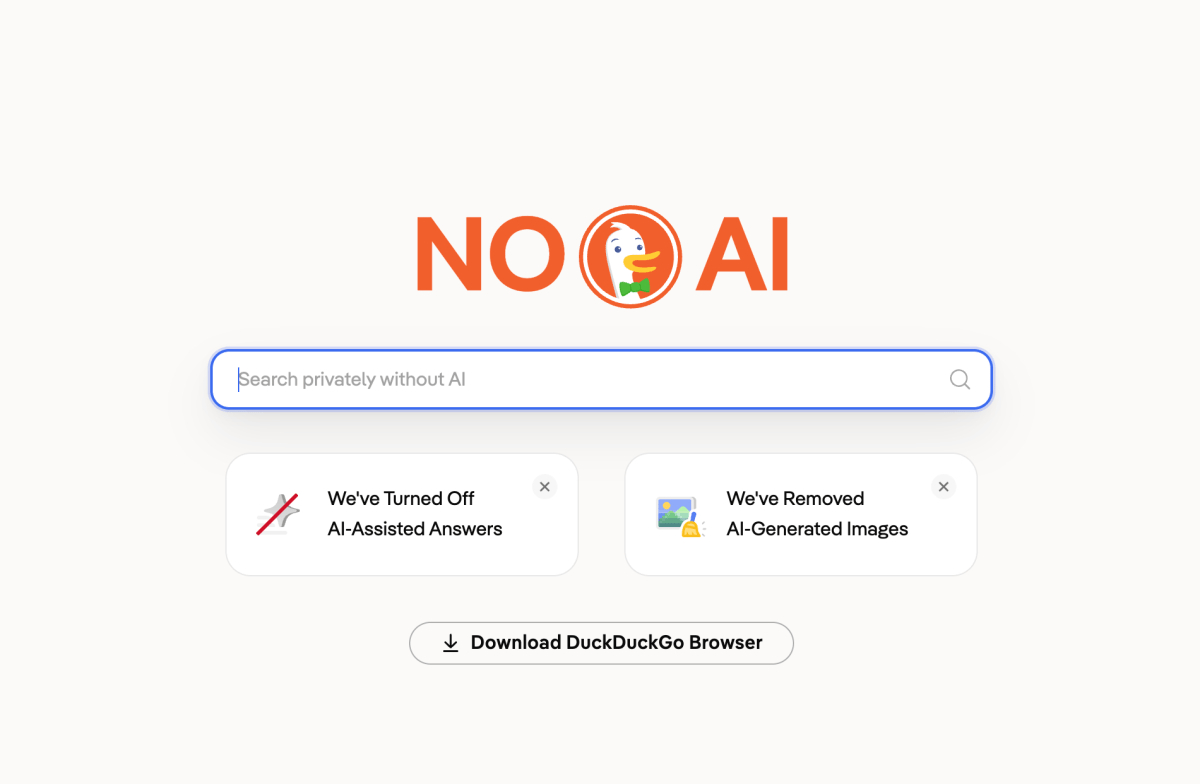
https://noai.duckduckgo.com/
For searches https://noai.duckduckgo.com/?ia=web&kax=-1&q=
Are you suuuuuuurrrreeeeeeeee you don’t want it turned back on?
Try https://noai.duckduckgo.com/
That works as the starter page, but can’t be set as the custom search engine… Only the real DDG can be set as that.
// EDIT; user-error
I’ve set it as a custom search engine in Firefox by appending the usual ‘?q=%s’. Seems to work fine here?
… Thanks.
Which do you recommend?
I use Startpage. Also if you have Firefox check out the search engines that come preinstalled
Mojeek is a good one. Qwant is another, but it does have a ‘Flash Answers’ box that you can disable and it will stay disabled. My browser has it disabled by default, though.
If you’re wedded to google you can use udm14.com and it will remove the AI, ads, and knowledge panels.